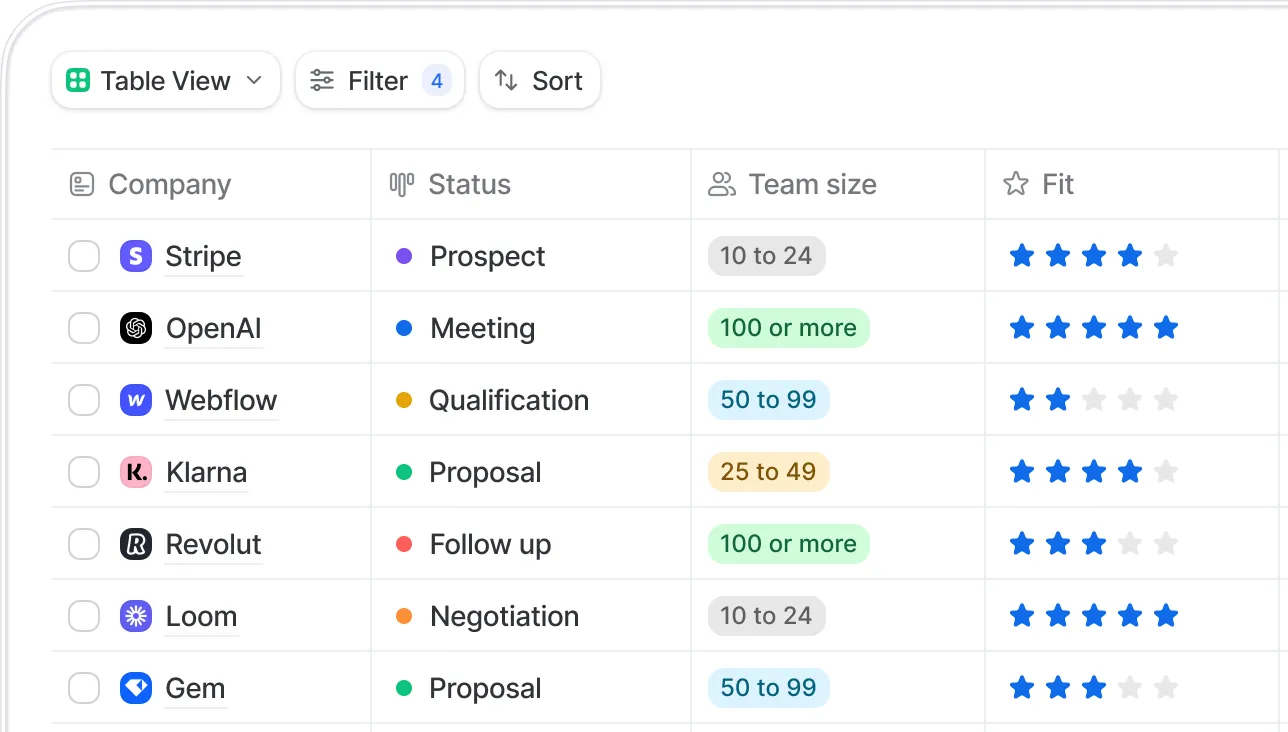
Course Structure
Create courses and easily define modules and chapters
LMS360.com
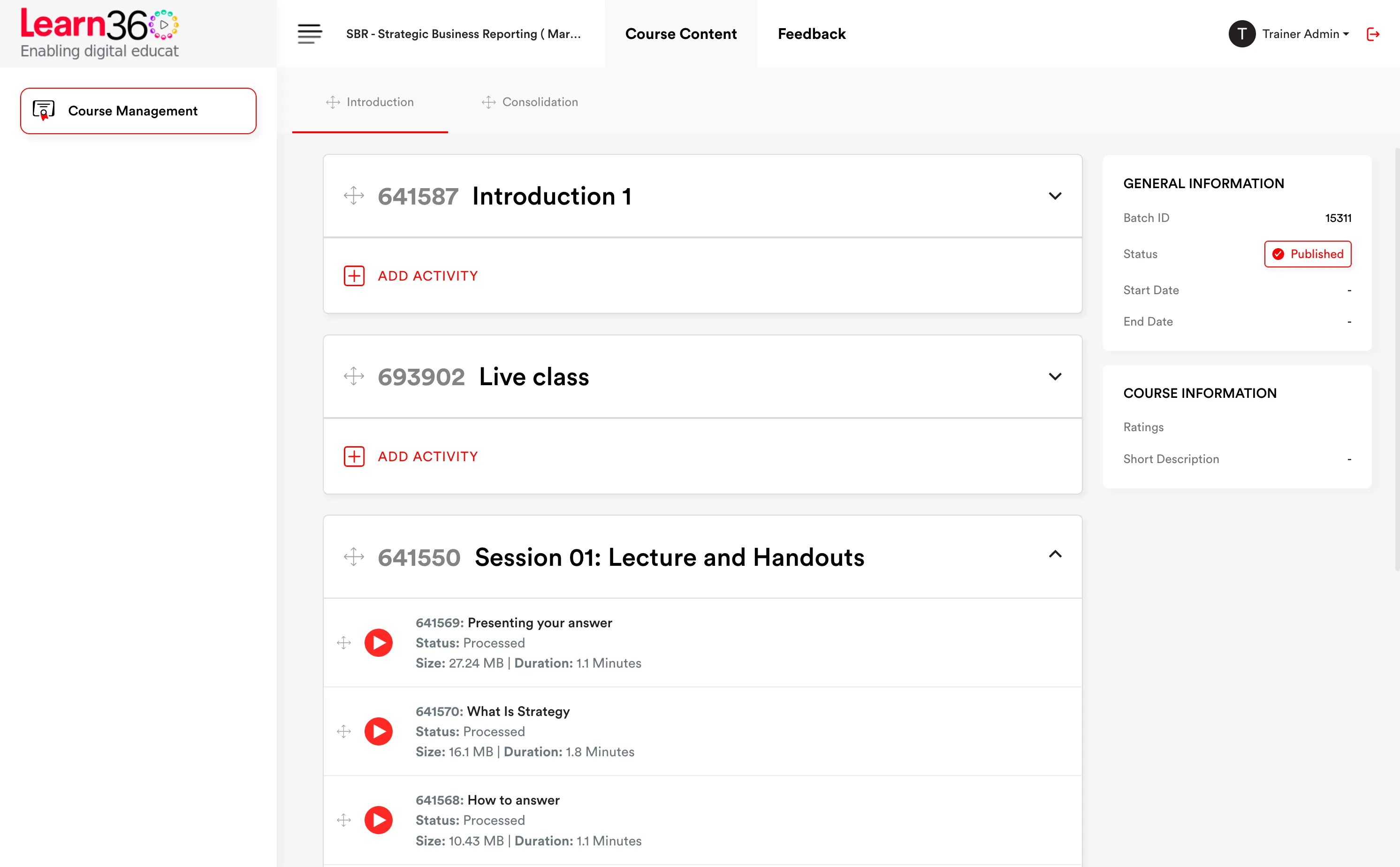

Teach students from all over the world without any physical constraint
Create courses and easily define modules and chapters
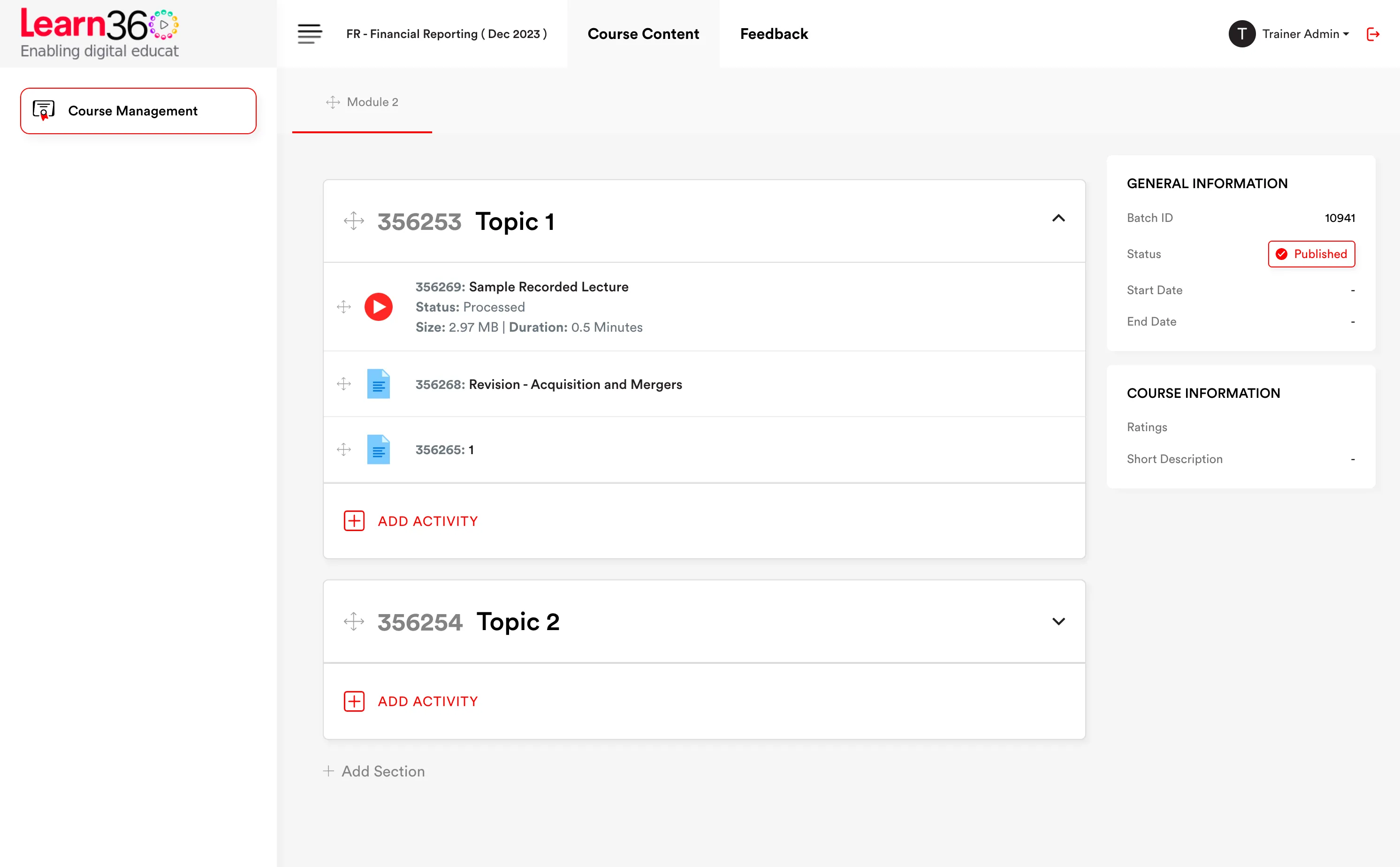
Define start and end dates to create course batches
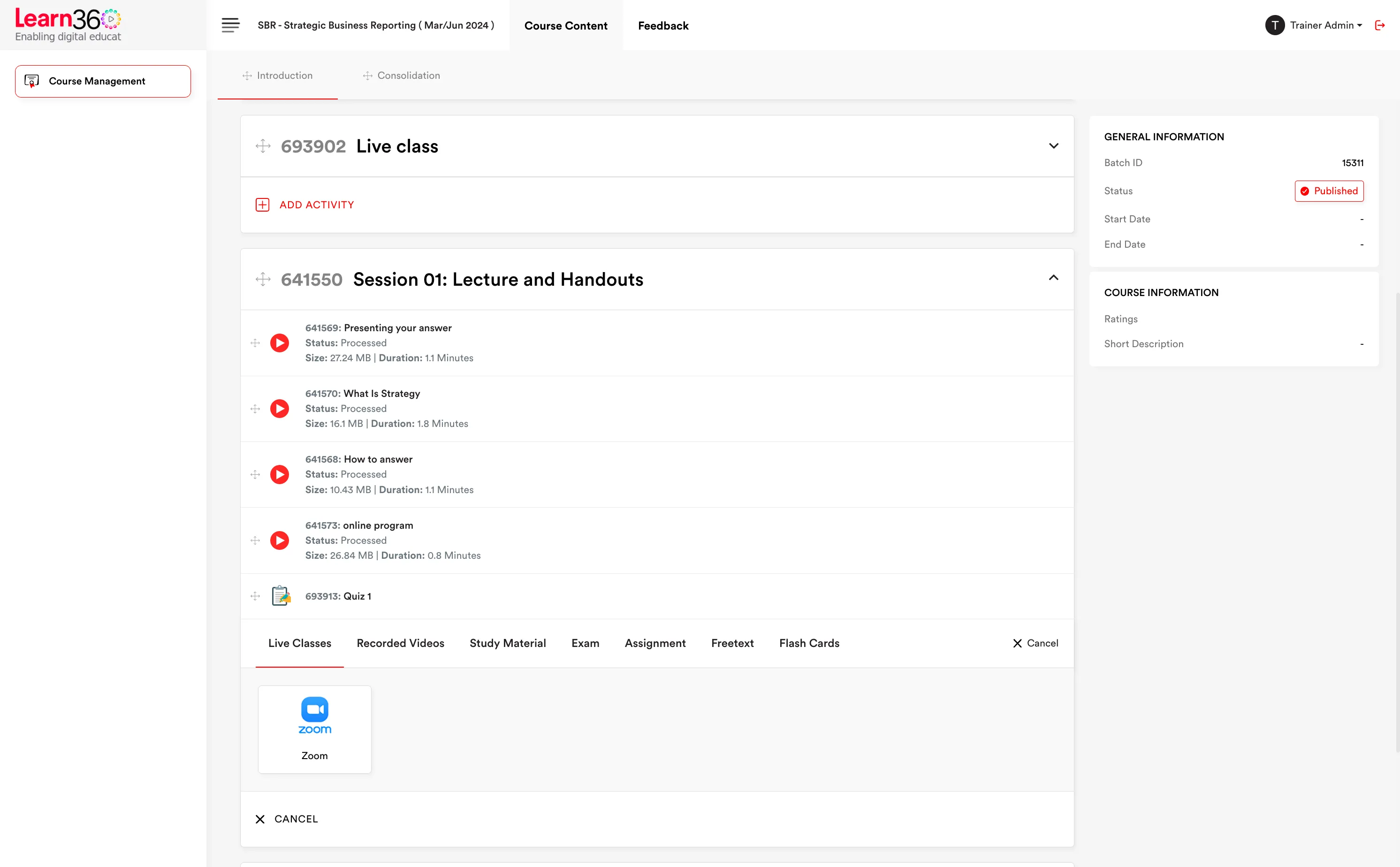
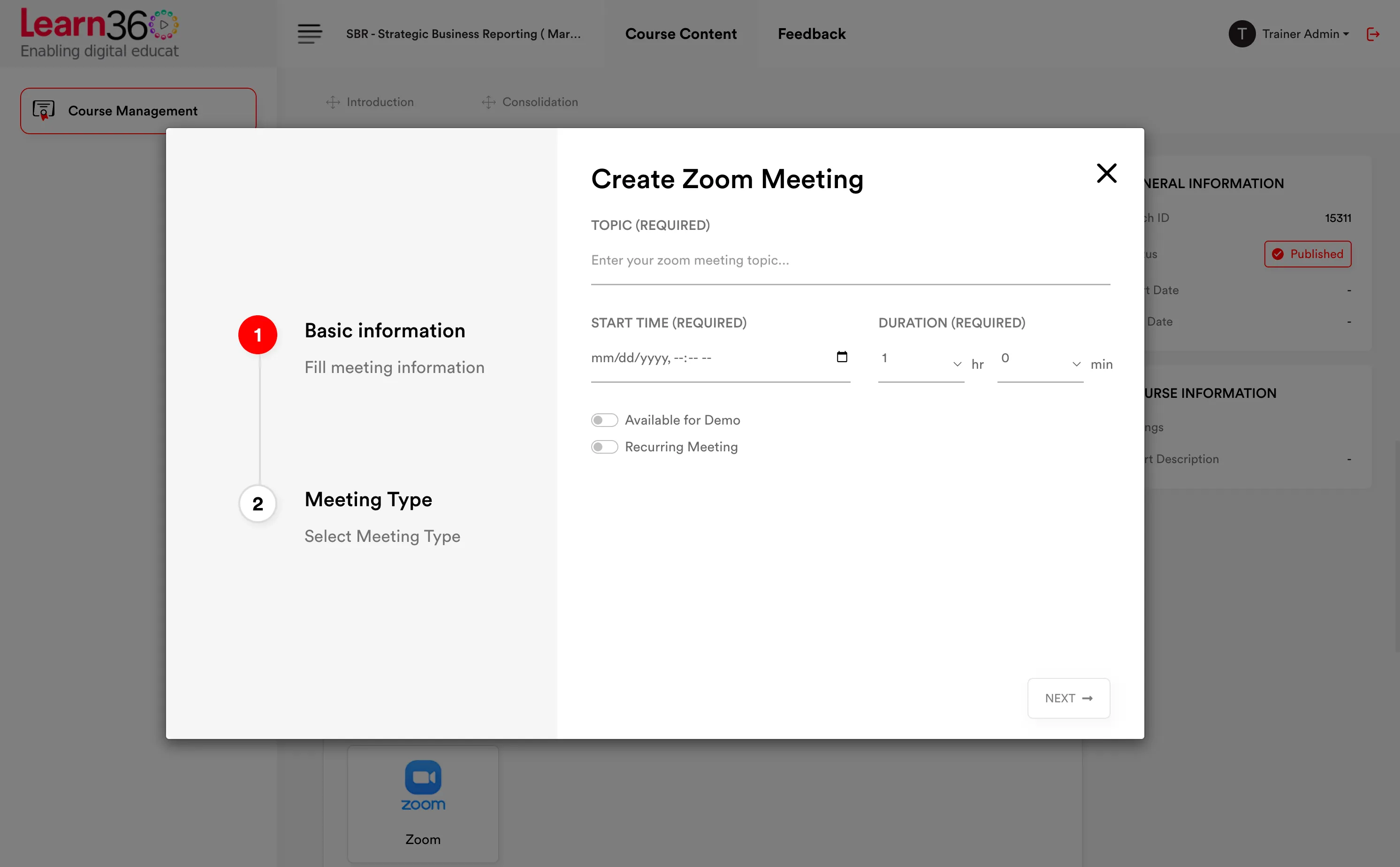
Teach students live from Zoom or upload pre-recorded classes in high resolution
Add study material in any file and format to support the learning
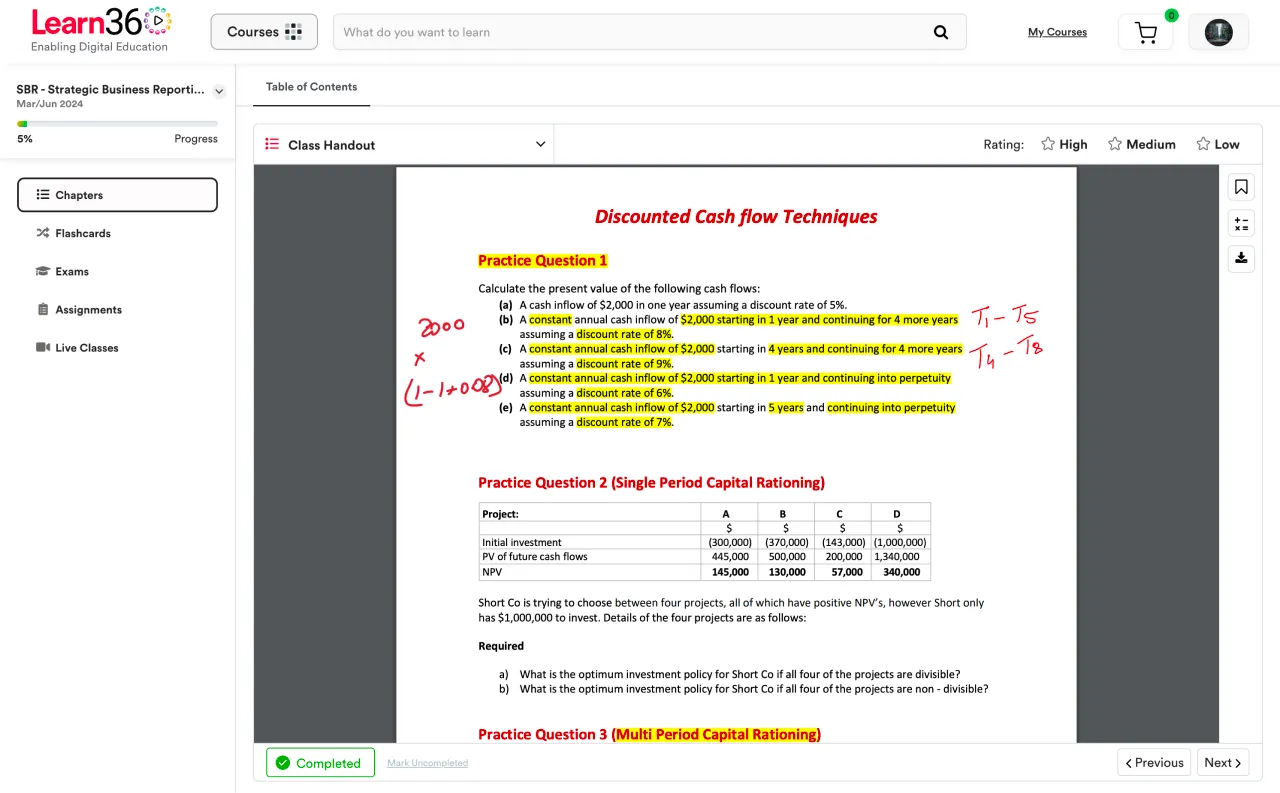
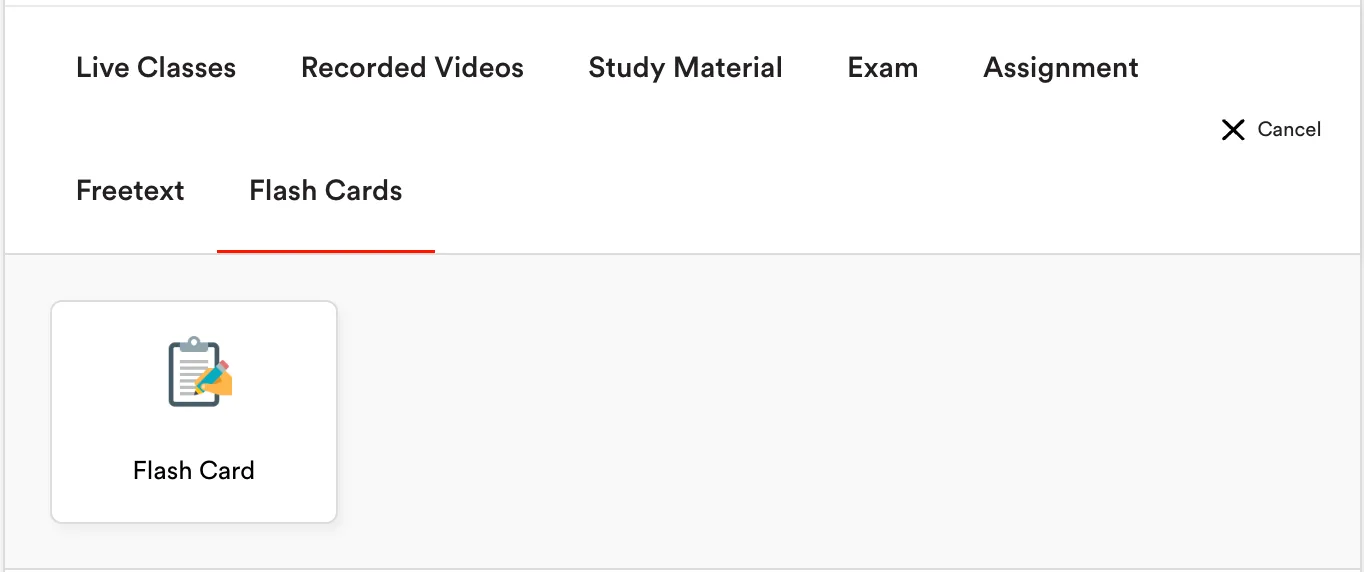
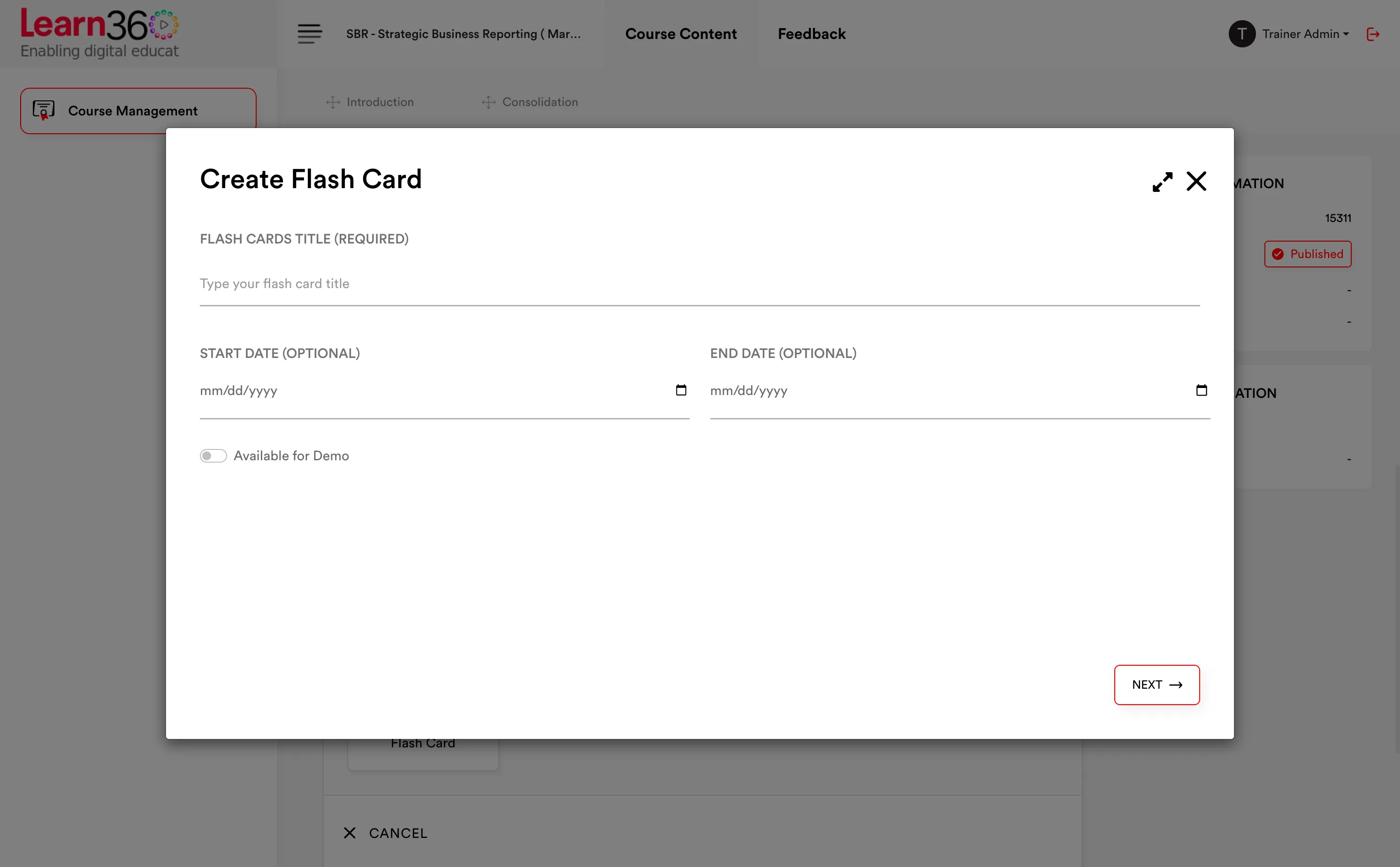
Improve important concepts with flash cards for better learning
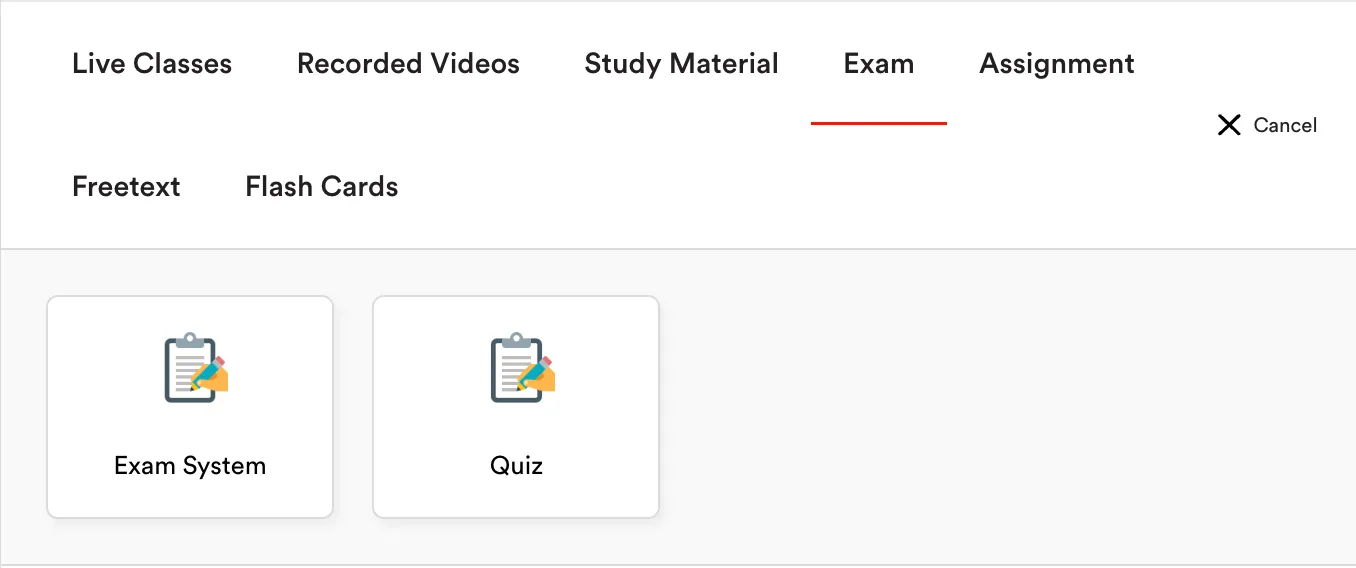
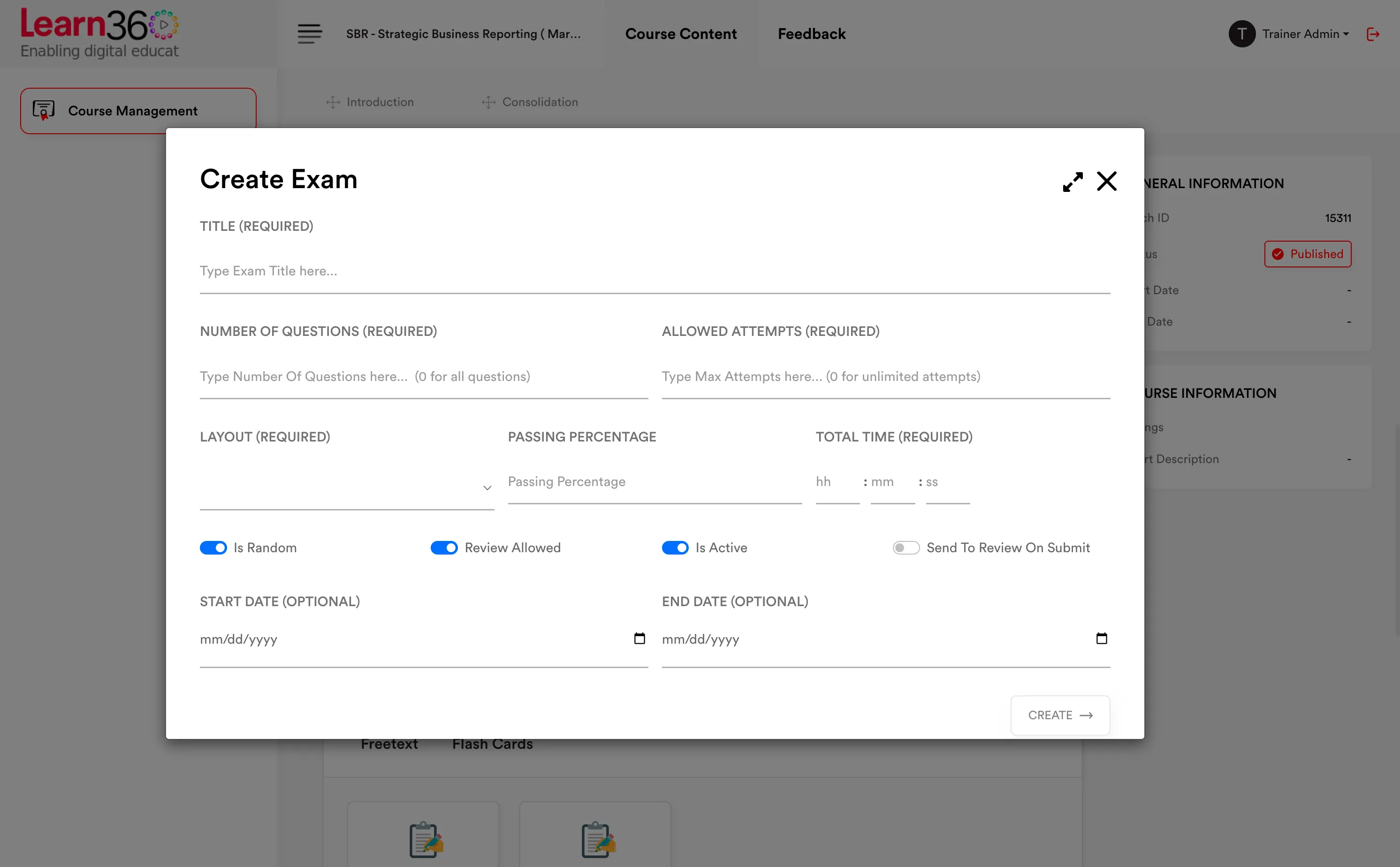
Allow the students to practice important skills with quizzes and assignments
Course & content management
Two hierarchies do the work. One organises what you sell; the other organises what students actually study. Both reorder by dragging, and anything you build once can be copied into the next course.
Mixed content per chapter — a video, a PDF, a flashcard deck and a quiz can all sit side by side.
Reorder by dragging at every level.
Sequence or free access depending on how strictly you want the path enforced.
Course Management
Uncategorized Courses
Marketing
Demo Qualification
ACCA
Catalogue
Group courses under the qualification or department they belong to, then run the same course as many separate batches — different intakes, different trainers, different schedules, one set of content behind them.
Categories mirror how students think: ACCA, A Levels, Medical, IT.
Courses hold the material, pricing and enrollment rules.
Batches separate cohorts without duplicating a single chapter.
Drag and drop to reorder categories and courses — no numeric sort fields to fight with.
Catalogue
Drag a course to reorder it, or drop it into a different category.
Content types
Not everything should be a video. Learn360 carries the formats teaching actually uses, and renders Office documents inside the platform so nobody has to download a file to read it.
Video — DRM protected, watermarked, delivered over a global CDN.
Documents — PDF, Word, Excel, PowerPoint, images and audio.
In-app Office preview — Word, Excel and PowerPoint render inside the LMS. No download, no separate app.
Flashcards for recall practice.
YouTube embeds when the material is already public.
HTML content students can highlight and annotate with their own notes.
Chapter notes.docx — previewing in LMS
3.2 Equity accounting for associates
An associate is an entity over which the investor has significant influence — presumed where the investor holds 20% or more of the voting power.
The investment is initially recognised at cost and subsequently adjusted for the investor's share of post-acquisition profits or losses.
Student note
20% is a presumption, not a rule — check the board seats
Progress
Alongside automatic progress tracking, students can mark a content item complete and attach a confidence level. That second signal is what turns a progress bar into a revision plan.
Self-marked completion per content item.
Confidence levels — high, medium or low — recorded with the completion.
Low-confidence topics surface so trainers know what to revisit before the exam.
My progress — Module 3
62% complete · 1 topic flagged low confidence
Lifecycle controls
Courses aren't binary. Learn360 gives you four publication states, date-bound access and one-click duplication.
Course start & expiry dates — set when a course opens and when it closes, at the course level.
Enrollment expiry — auto-expire a student's access on a chosen date, independent of the course dates.
Copy a whole course — duplicate an entire course as the starting point for next year's intake.
Copy modules & chapters — share a module between two qualifications without rebuilding it.
Copy individual contents — reuse a single video, PDF or flashcard deck across courses.
Publication state — Strategic Business Reporting
Draft
Available
Work in progress. Invisible to students while you build it out.
Published
Current
Live in the catalogue and open for enrollment or purchase.
Coming soon
Available
Visible and promotable, but not yet purchasable — useful for gauging demand.
Private
Available
Hidden from the catalogue. Reachable only by direct enrollment.