Schedule your classes
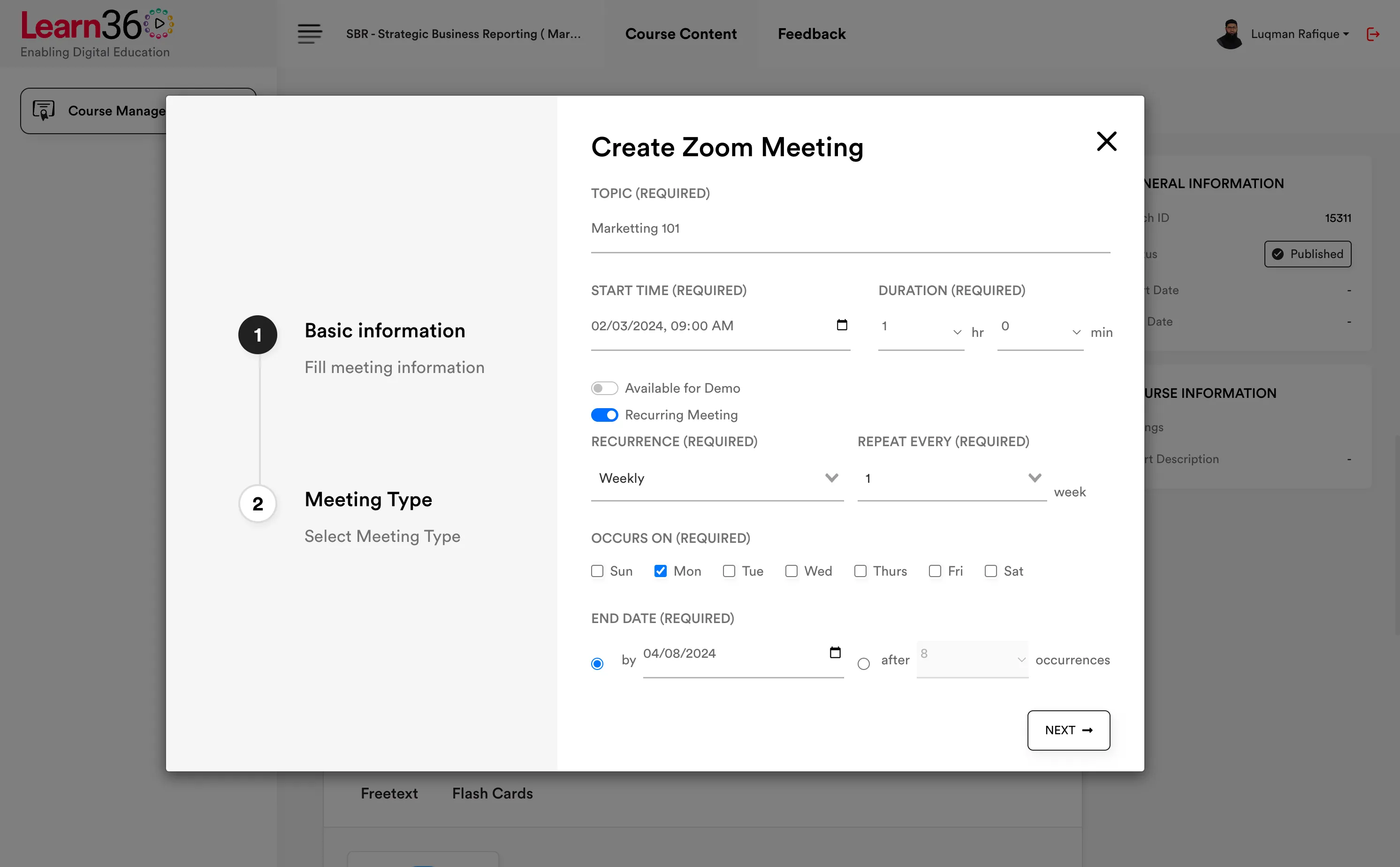
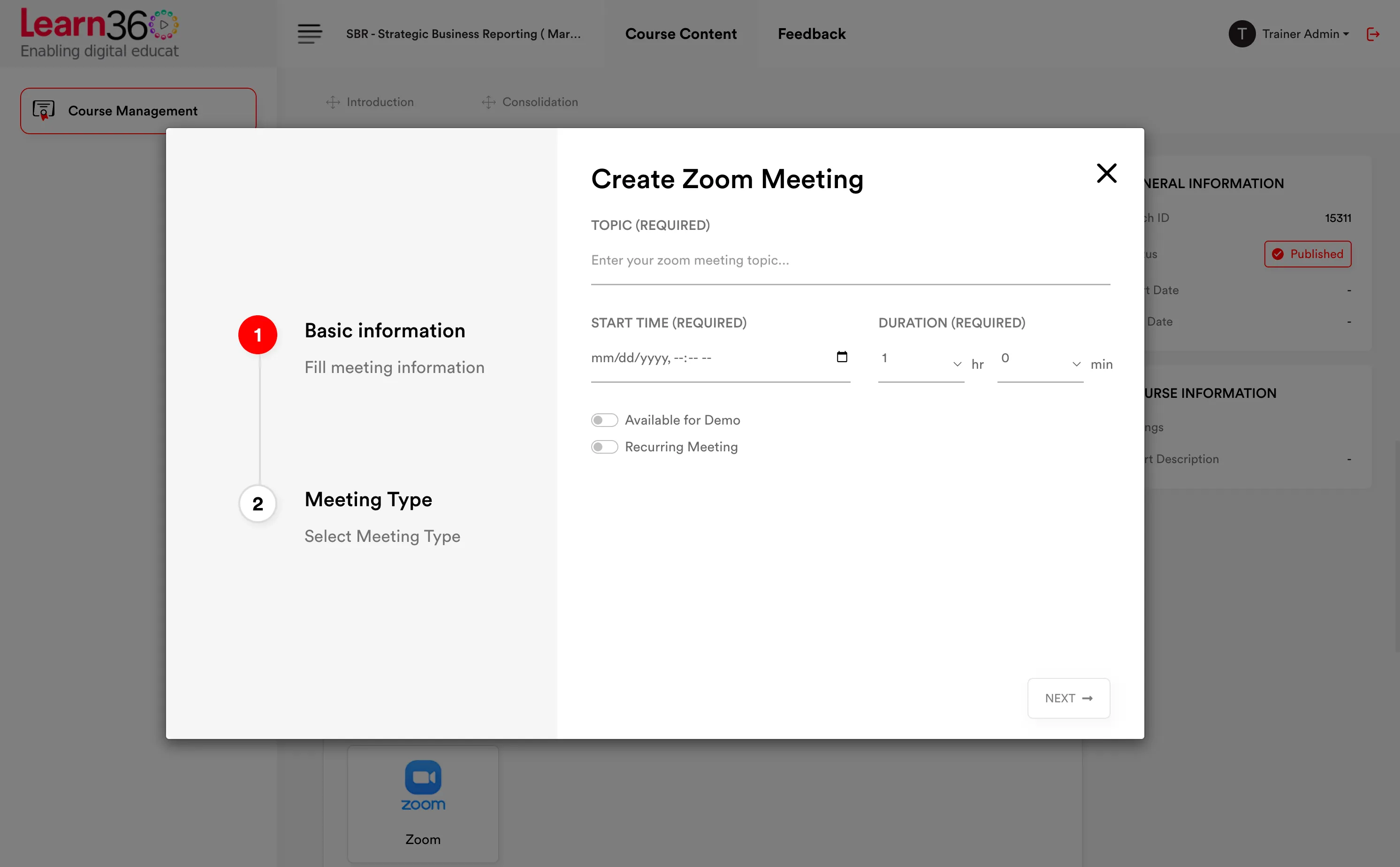
Preschedule your classes so your students know when to be online.
Create multiple classes at the same time to allow multiple teachers to teach concurrently.
 LIVE
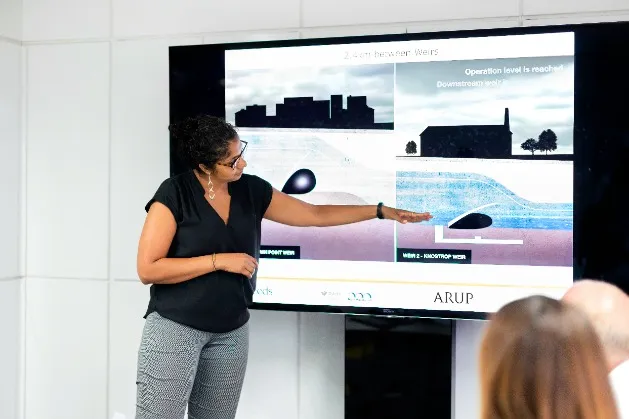
LIVETeach students from all over the world without any physical constraint

Learn from proven industry experts
Preschedule your classes so your students know when to be online.
Create multiple classes at the same time to allow multiple teachers to teach concurrently.
Live teaching
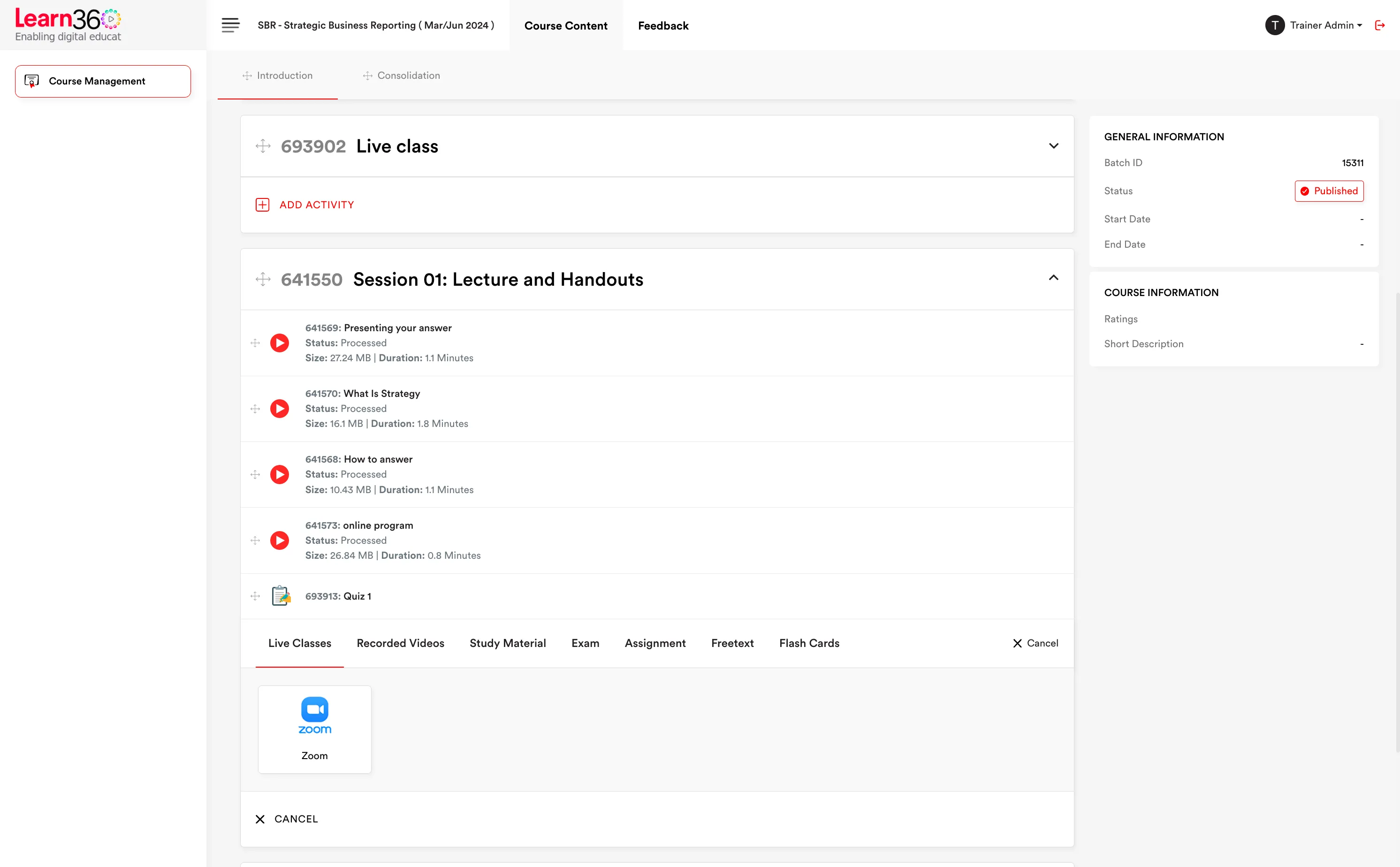
Schedule sessions where the course lives, let students join without a second login, and stop chasing recordings — when the session ends, the recording uploads itself to the right chapter.
Live sessions — SBR Sep 2026
Group Accounting — Part 2
Live now · Zoom
Deferred Tax workshop
Tue 19:00 · WebEx
Revision clinic
Sat 11:00 · Zoom
Financial Instruments
Recording published
Auto-upload on
Attendance tracked
Trainer schedules in LMS
Zoom / WebEx meeting created
Students join from course
No second login
Join & leave times logged
Per participant, per minute
Session ends
Recording auto-uploaded
Published to the chapter
DRM protected & watermarked
Integrations
Learn360 doesn't ask you to abandon Zoom or WebEx for an in-house video product that isn't as good. It integrates with both, so the meeting quality stays the same while the scheduling, joining, attendance and recording all move into the LMS.
Zoom integration — schedule and join from within the course.
WebEx integration — the same, for institutes standardised on Cisco.
One place for students: the session sits in the chapter, not in an email from three weeks ago.

Recordings
The usual routine — download from the conferencing provider, re-upload somewhere, tell students it's ready — disappears. Sessions conducted through Learn360 upload their recording automatically when the session ends, into the course they belong to.
Automatic upload on session end. No manual step, no forgotten recording.
Lands in the right chapter, ready for students who missed it.
Protected like any other video — DRM, dynamic watermarking and segment-accurate progress tracking apply.
Recordings — Group Accounting
Group Accounting — Part 2
Uploading
Financial Instruments
Published
Consolidation basics
Published
DRM protected
Watermarked
Progress tracked
Attendance
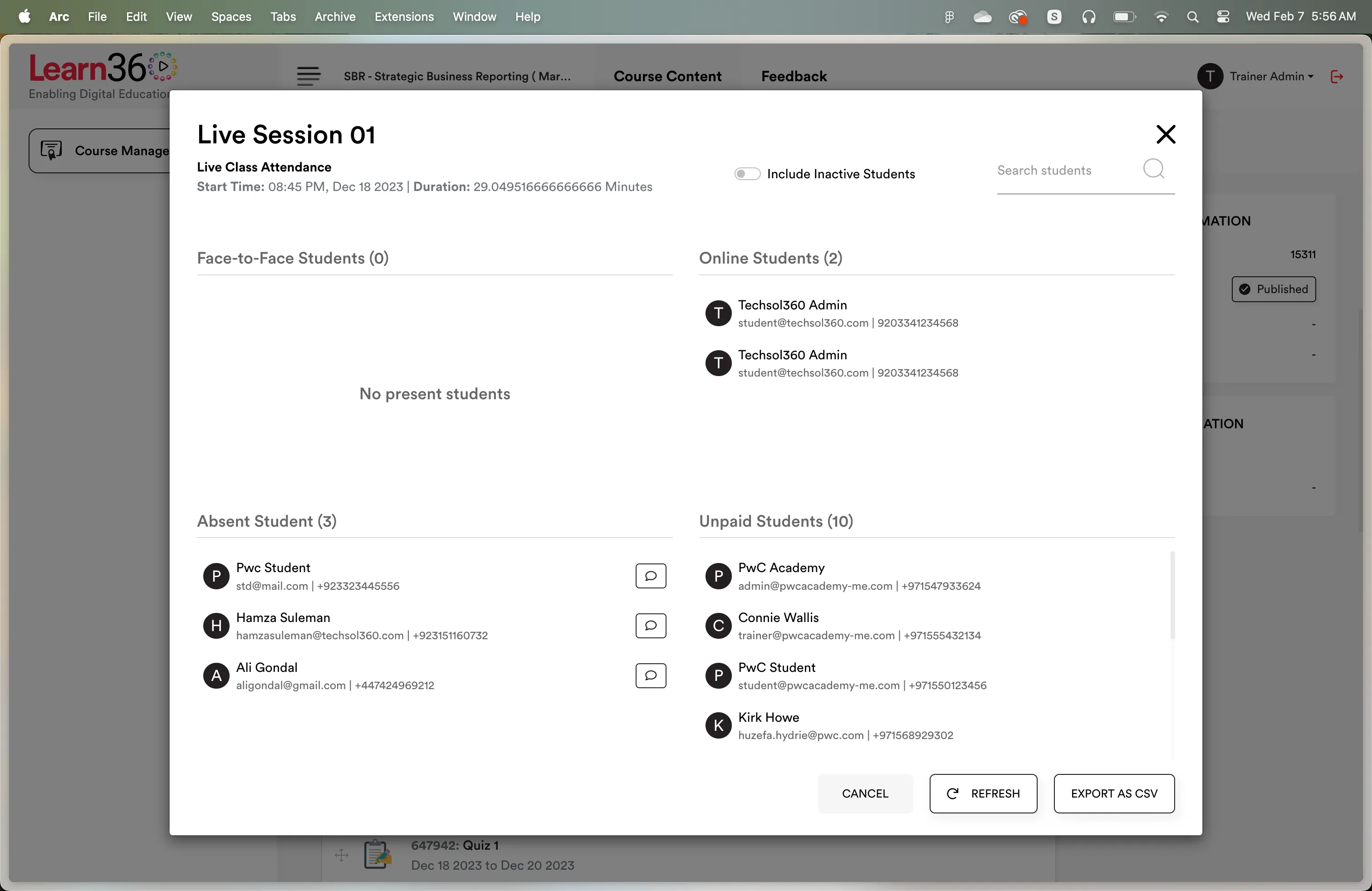
"Attended" is a weak record when a student joined for four minutes of a two-hour class. Learn360 logs join and leave times per participant and reports the actual minutes present — including students who dropped out and rejoined.
Minute-level accuracy rather than a binary present/absent flag.
Multiple join sessions per student handled and totalled.
Defensible records for funding bodies, visa compliance, employers and parents.
Detailed live class reports per session, per student and per cohort.
Attendance — Group Accounting Pt 2 · 120 min
| Student | Joined | Left | Minutes |
|---|---|---|---|
| Ayesha Malik | 19:00 | 21:00 | 120 |
| Hamza Iqbal | 19:04 | 20:12 | 68 |
| Sara Nadeem | 19:00 / 19:48 | 19:22 / 21:00 | 94 |
| Bilal Raza | 20:51 | 21:00 | 9 |
Sara rejoined after a dropout — both sessions counted, overlap excluded.
On campus
Most institutes teach in both modes. Learn360 records on-campus attendance alongside online attendance, so a student's record is complete rather than split between a spreadsheet and a system.
On-campus attendance marking for in-person sessions.
One combined record across online and physical classes.
Visible to parents through linked guardian accounts.
On campus — Room B4 · 09:00
Ayesha Malik
Present
Hamza Iqbal
Late · 09:18
Sara Nadeem
Present
Bilal Raza
Absent
Saved to student record
Parents notified