Comprehensive pricing options
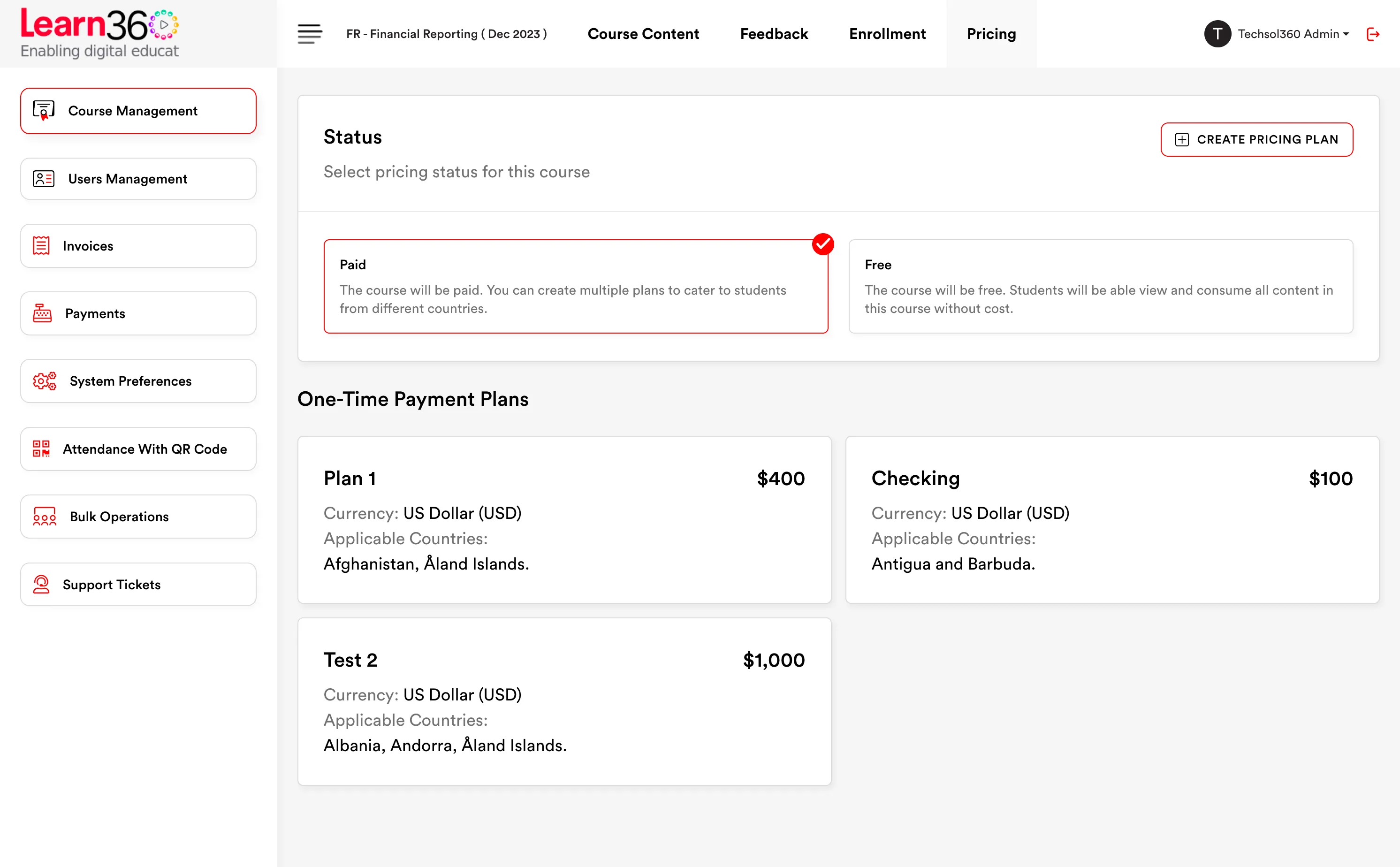
- Set your pricing based on geography and support multi market users
- Create one time & recurring fees for your courses based on your unique business model
Manage you finances right
Financial management right in the palm of your hand
Selling & enrollment
Learn360's ecommerce module lets an institute sell courses directly. Configure your own payment gateway account and payments land with you — the platform never sits between your students and your revenue.
Checkout — SBR Full Course
Detected region
Pakistan
One-time payment
PKR 42,000
3 monthly cycles
PKR 15,500 × 3
Bank transfer
Upload evidence
Your gateway
Invoice issued
Pricing
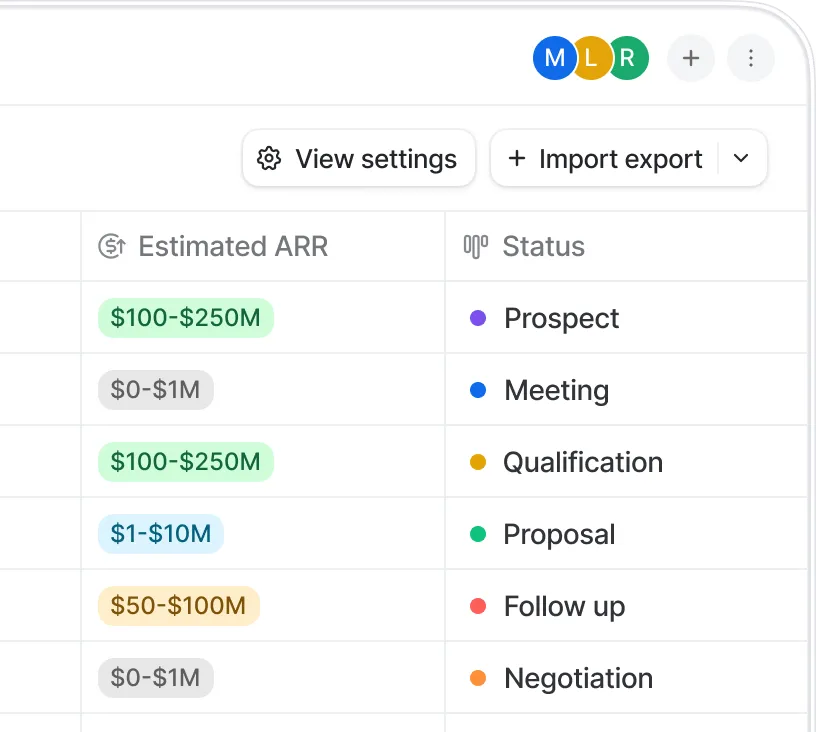
A price that works in London prices you out of Lahore. Learn360 lets you set a different price for the same course depending on the student's country — so you can sell internationally without either leaving money on the table or shutting out a whole market.
Per-country pricing on the same course.
Local currency shown to the student at checkout.
A default price covers everywhere you haven't set explicitly.
Geo-pricing — SBR Full Course
| Region | One-time | Multi-cycle | Status |
|---|---|---|---|
| United Kingdom | £340 | £125 × 3 | Live |
| Pakistan | PKR 42,000 | PKR 15,500 × 3 | Live |
| UAE | AED 1,450 | AED 520 × 3 | Live |
| Nigeria | NGN 285,000 | NGN 105,000 × 3 | Live |
| Rest of world | $425 | $155 × 3 | Default |
Payments
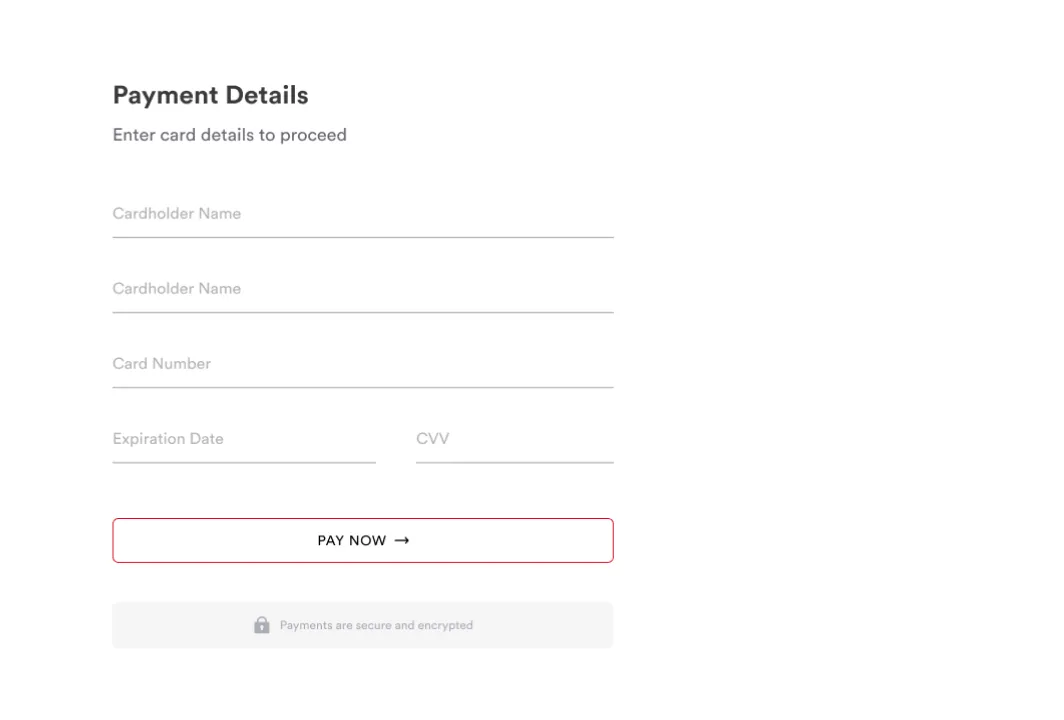
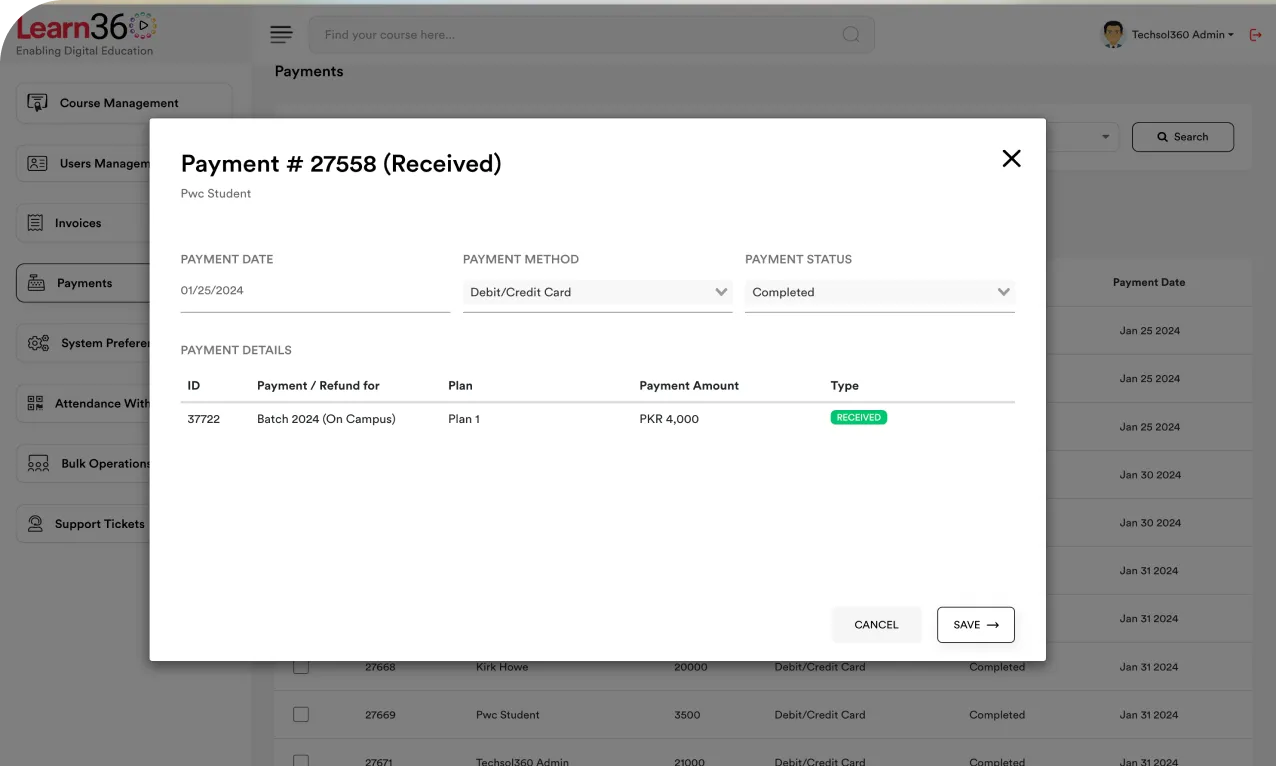
Many payment gateways are already integrated. You configure your own merchant account, and settlements go straight to you on your gateway's normal schedule.
Gateways pre-integrated — connect your account, no development work.
Payments settle to you directly, not through Learn360.
Bank transfer supported with evidence upload, for markets where cards aren't the norm.
One-time or multi-cycle — take the full fee up front or spread it over instalments.
Payment methods
Card gateway
Connected · your account
Local wallet
Connected
Bank transfer
Evidence pending review
Student upload
transfer-receipt-0914.jpg · PKR 15,500
Approve
Reject
Invoicing
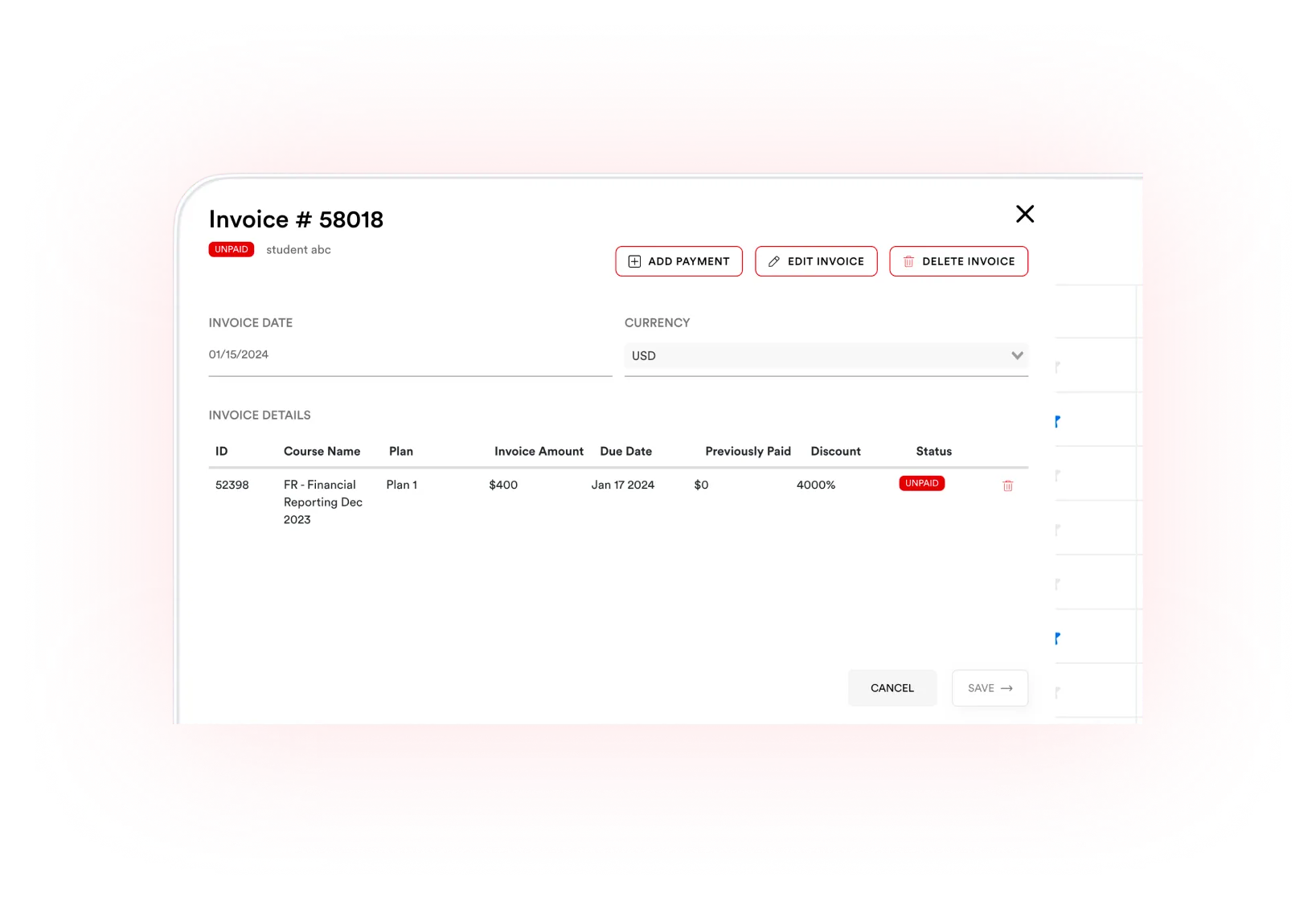
Admins can view invoices and payments by student and by course. And when a student needs a few more days, a grace period extends the due date and keeps their access open until it passes — rather than cutting off a paying customer over a timing problem.
Student-wise invoices — everything one student owes and has paid.
Course-wise invoices — the revenue picture for one course.
Grace period extends the due date; content access continues until it expires.
Payment evidence attached to the invoice for bank transfers.
Invoices — Hamza Iqbal
| Invoice | Course | Due | Status |
|---|---|---|---|
| INV-2091 | SBR — cycle 1 | 01 Jul | Paid |
| INV-2144 | SBR — cycle 2 | 01 Aug | Paid |
| INV-2201 | SBR — cycle 3 | 01 Sep | Grace · +7 days |
Access remains open until 08 Sep while the grace period runs.
Enrollment
Plenty of institutes collect fees offline, or run corporate cohorts where the employer pays. Direct enrollment puts students into a course without the commerce module being involved at all — and access still expires when you say it does.
Direct enrollment bypassing checkout entirely.
Enrollment expiry dates that auto-revoke access on a chosen date.
Bulk enroll and unenroll for whole cohorts at once.
The full list
A full ecommerce module inside the LMS.
Take the whole fee at the point of purchase.
Spread the fee across scheduled instalments.
Different prices for the same course by country.
Connect your own merchant account and start taking payments.
With evidence upload and admin approval.
Viewable student-wise and course-wise.
Extend the due date and keep access open until it lapses.
Add students without using the commerce module.
Access ends automatically on the date you set.
Course-level dates independent of individual enrollments.
List a course and gauge demand before it's purchasable.