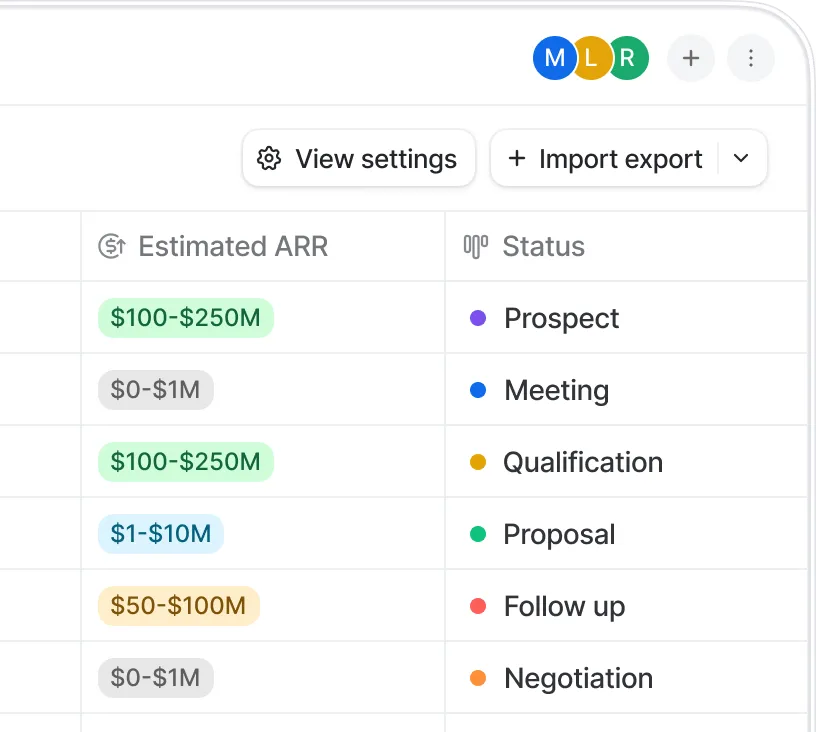
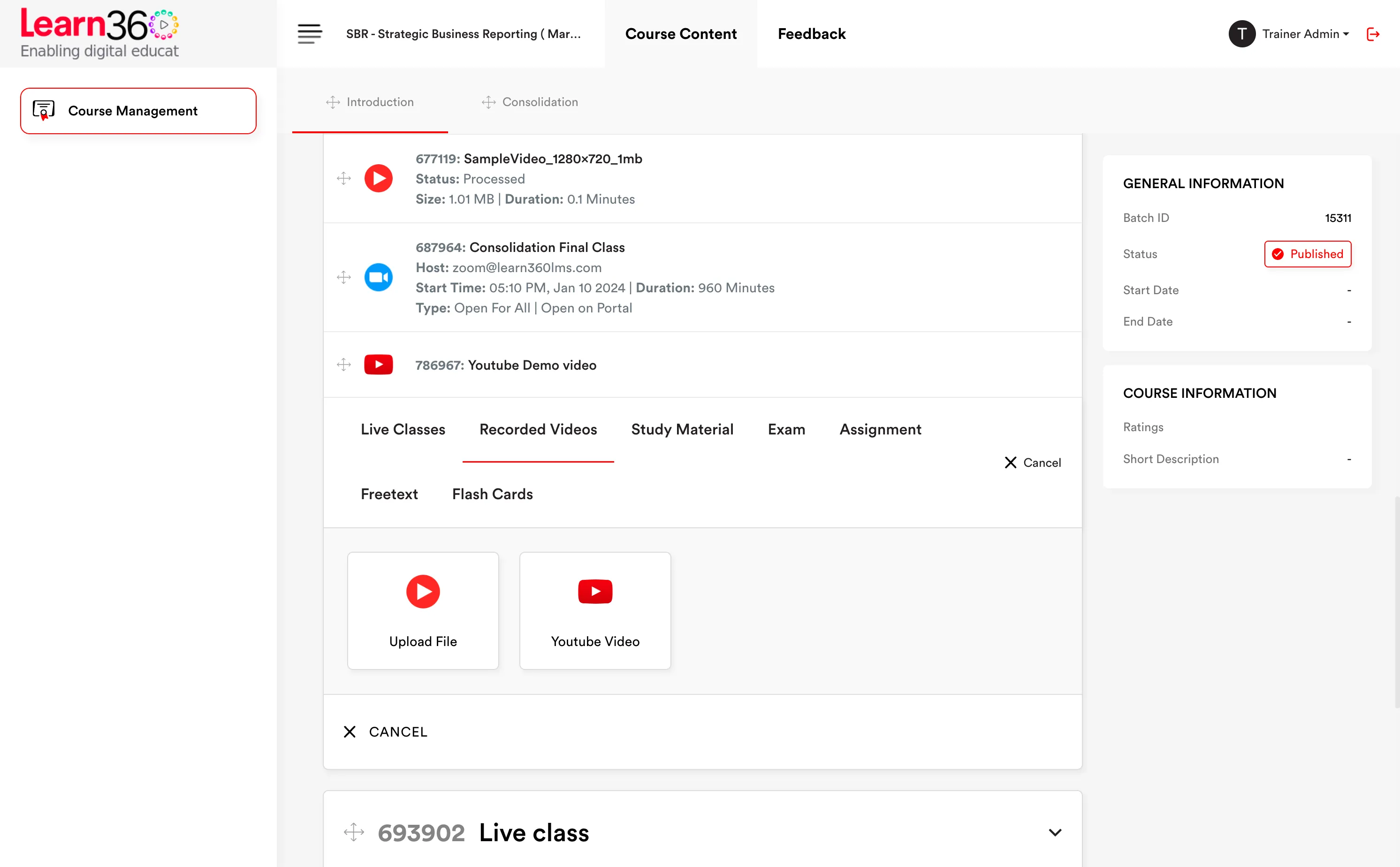
Create your classes
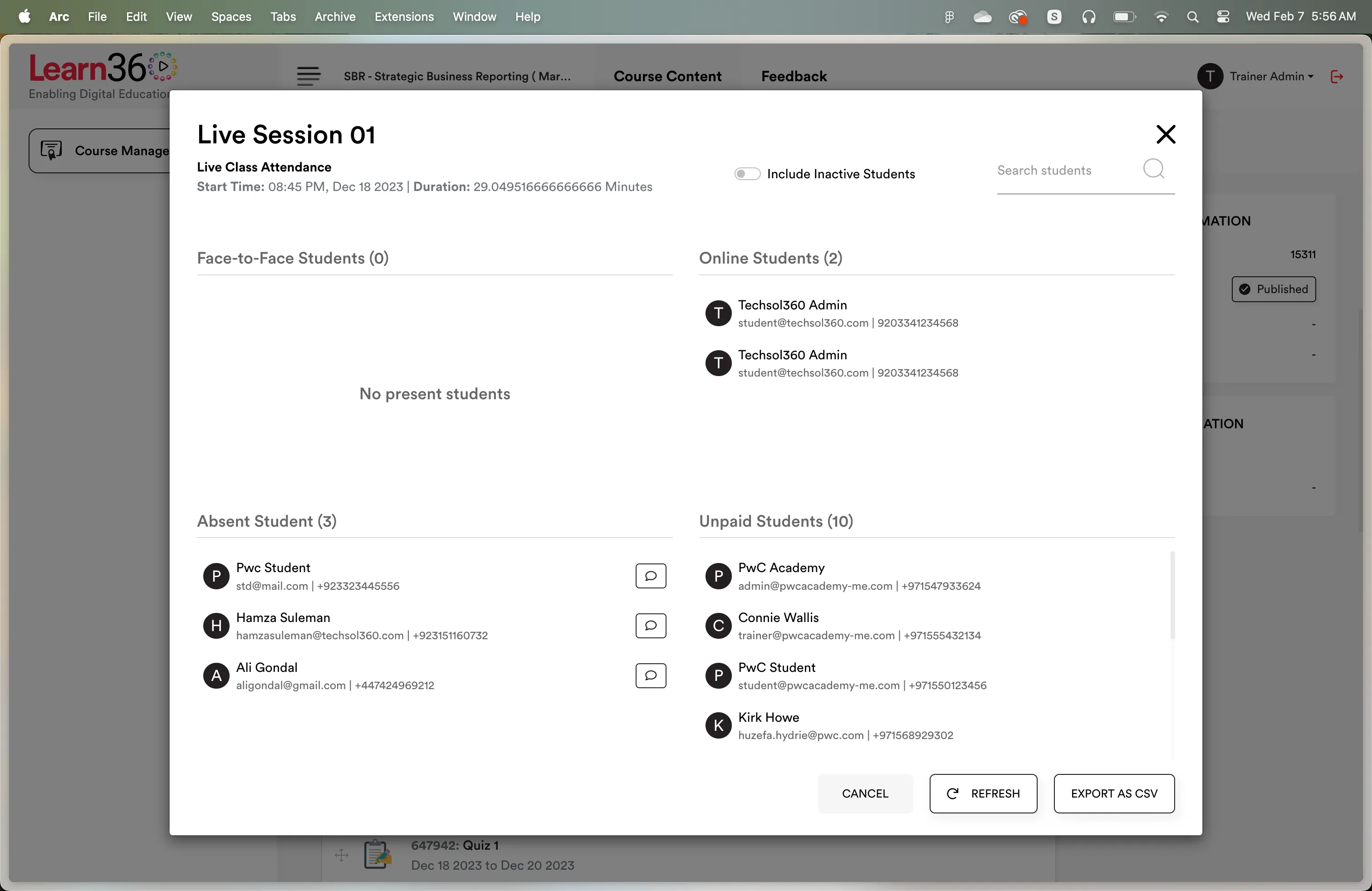
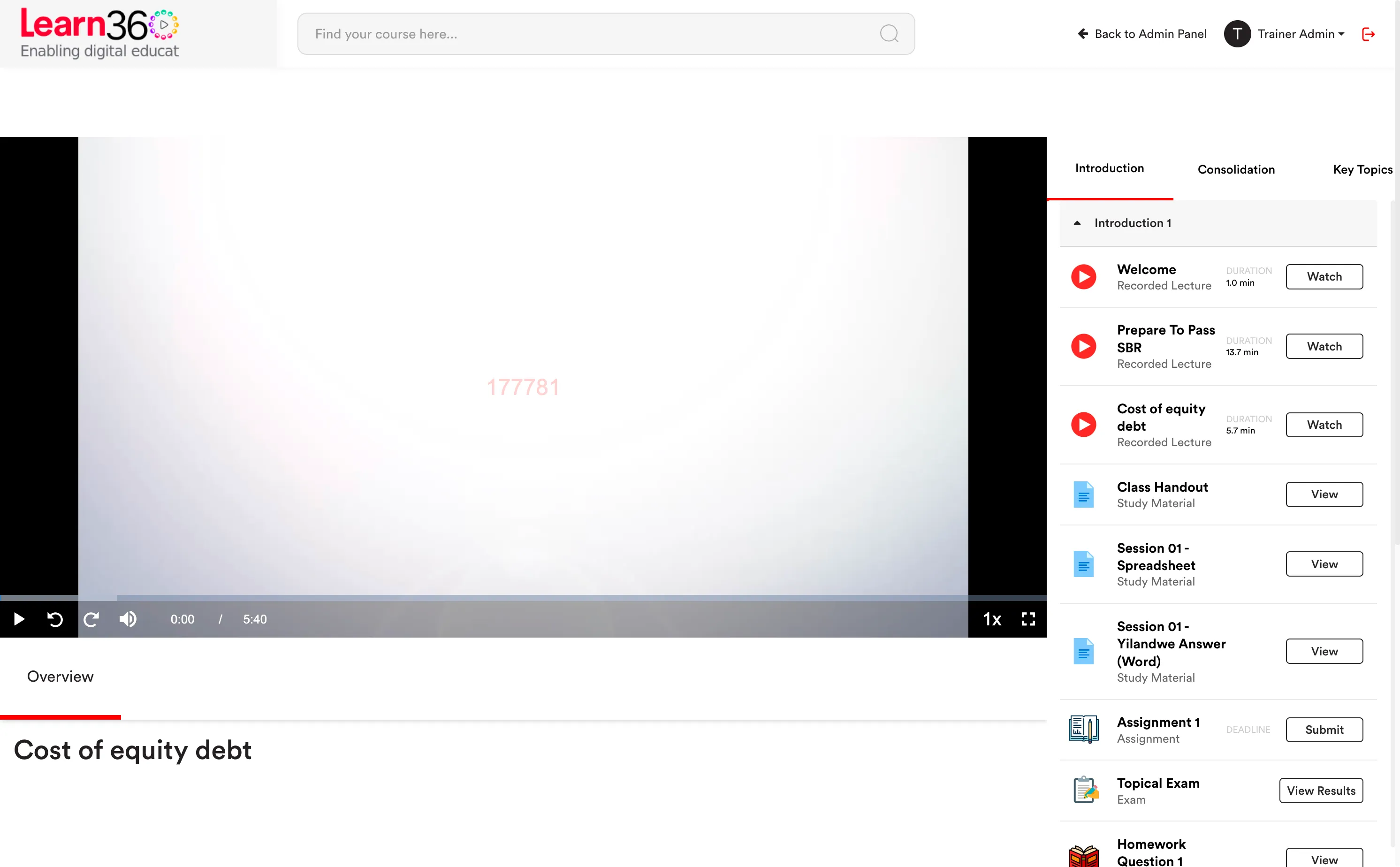
- Upload pre-recorded teaching videos to our platform and create an interactive learning experience
- Support high definition videos for better usability and viewability
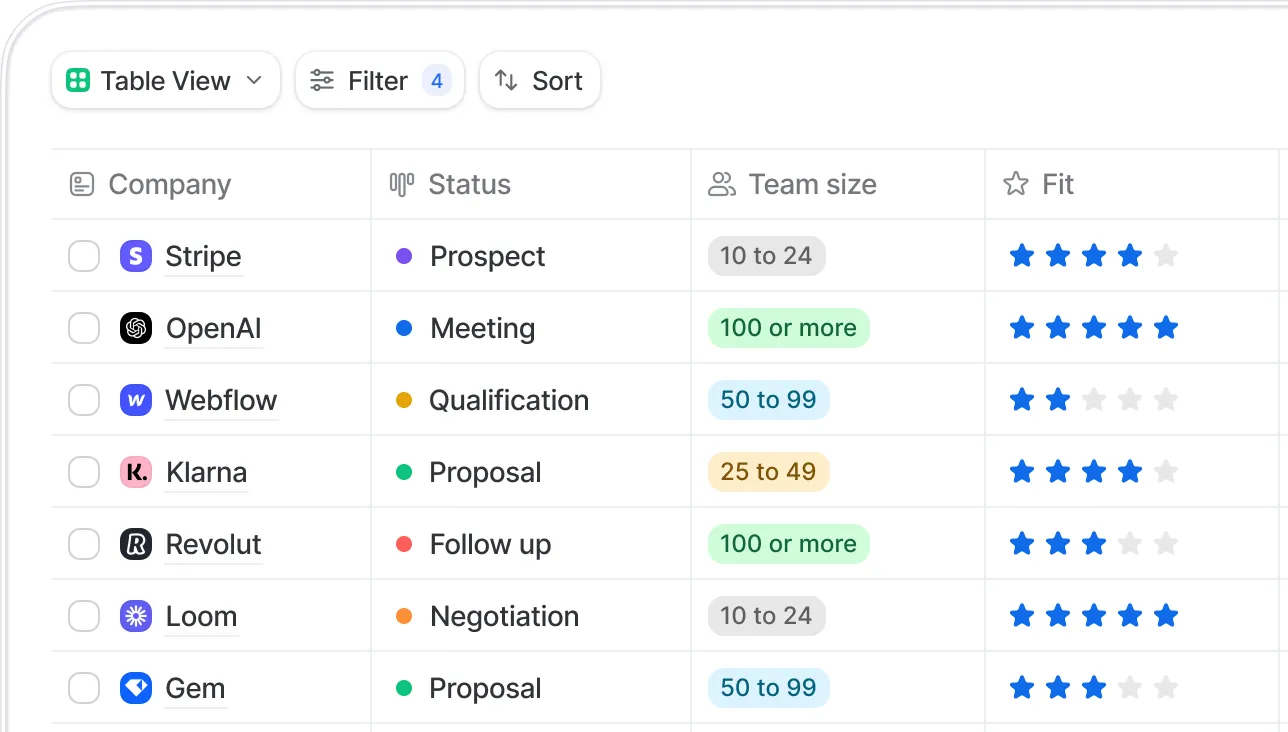
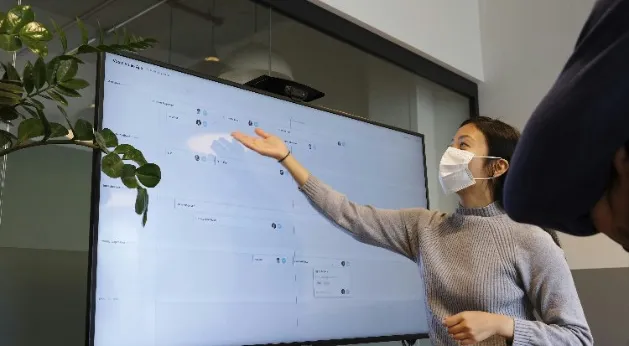
Teach students from all over the world without any physical constraint
Countries from where students are registered
Content protection
Video is delivered encrypted and decrypted only inside an authorised player session. There is no plain file sitting at a URL for someone to find in the network tab and pass around.
DRM protection on every video asset.
Global CDN so a student in Karachi and a student in Manchester both get a fast first frame.
Adaptive quality for the connections your students actually have.
Protected playback
DRM
Watermarked
CDN edge: Frankfurt
Device 2 of 3
Watermarks move position during playback so they can't be cropped out.
Watermarking
Dynamic watermarking overlays the viewer's identity — email, student ID, IP, timestamp — directly onto the video as it plays, and onto secure PDFs as they render. The overlay shifts position, so cropping it out costs more than the content is worth.
Video watermarking that moves during playback.
PDF watermarking applied per viewer at render time, not baked into one shared file.
Secure PDF delivery that blocks casual downloading of your notes and question banks.
Traceable leaks. If a recording surfaces on a resale channel, the watermark tells you which account it came from.
SBR-Notes-Ch3.pdf — secure viewer
Chapter 3 — Group Accounting
3.1 The consolidation process and the treatment of goodwill on acquisition…
3.2 Equity accounting where significant influence exists…
Download blocked
Per-viewer watermark
Progress accuracy
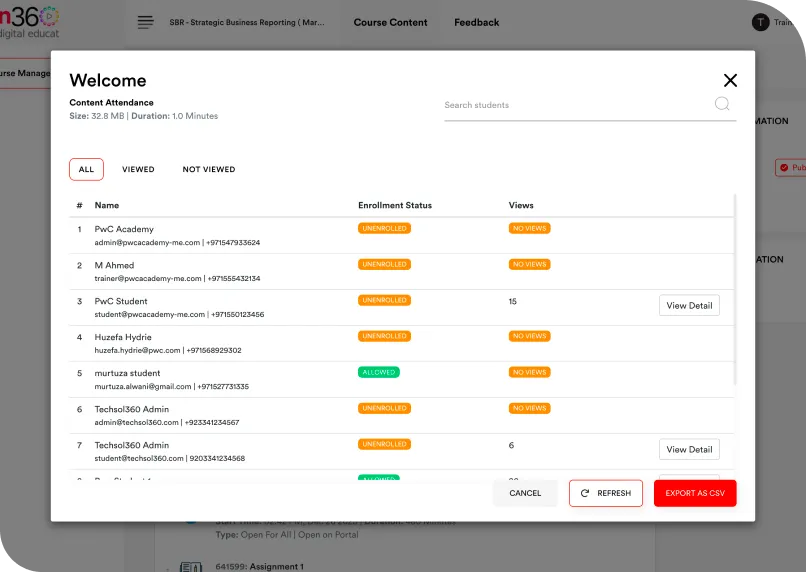
A student can drag the scrubber to the end of a 40-minute lecture in two seconds. On most platforms that registers as complete. Learn360 records which ranges of the timeline were actually played and counts each range exactly once.
Unique segments only. Watching the same ten minutes five times still counts as ten minutes.
Skipped ranges stay empty in the report — scrubbing to the end proves nothing.
Defensible completion data for attendance-linked funding, employer reporting or awarding-body evidence.
Playback analysis — 40:00 lecture
Naive "furthest point" progress
100%
Total playback time logged
51m 20s
Unique content watched
23m 10s · 58%
Attention
Students leave a lecture running in a background tab to farm completion. Turn on auto-pause and playback stops the moment the app loses focus or the viewer goes idle — so watch time means what it says.
Pause on background. The app is minimised or backgrounded, playback halts.
Pause on inactivity. No interaction for a set period, playback halts.
Per-course setting. Enforce it where completion matters, relax it where it doesn't.
Auto-pause — SBR Sep 2026
Session log